More independent choice
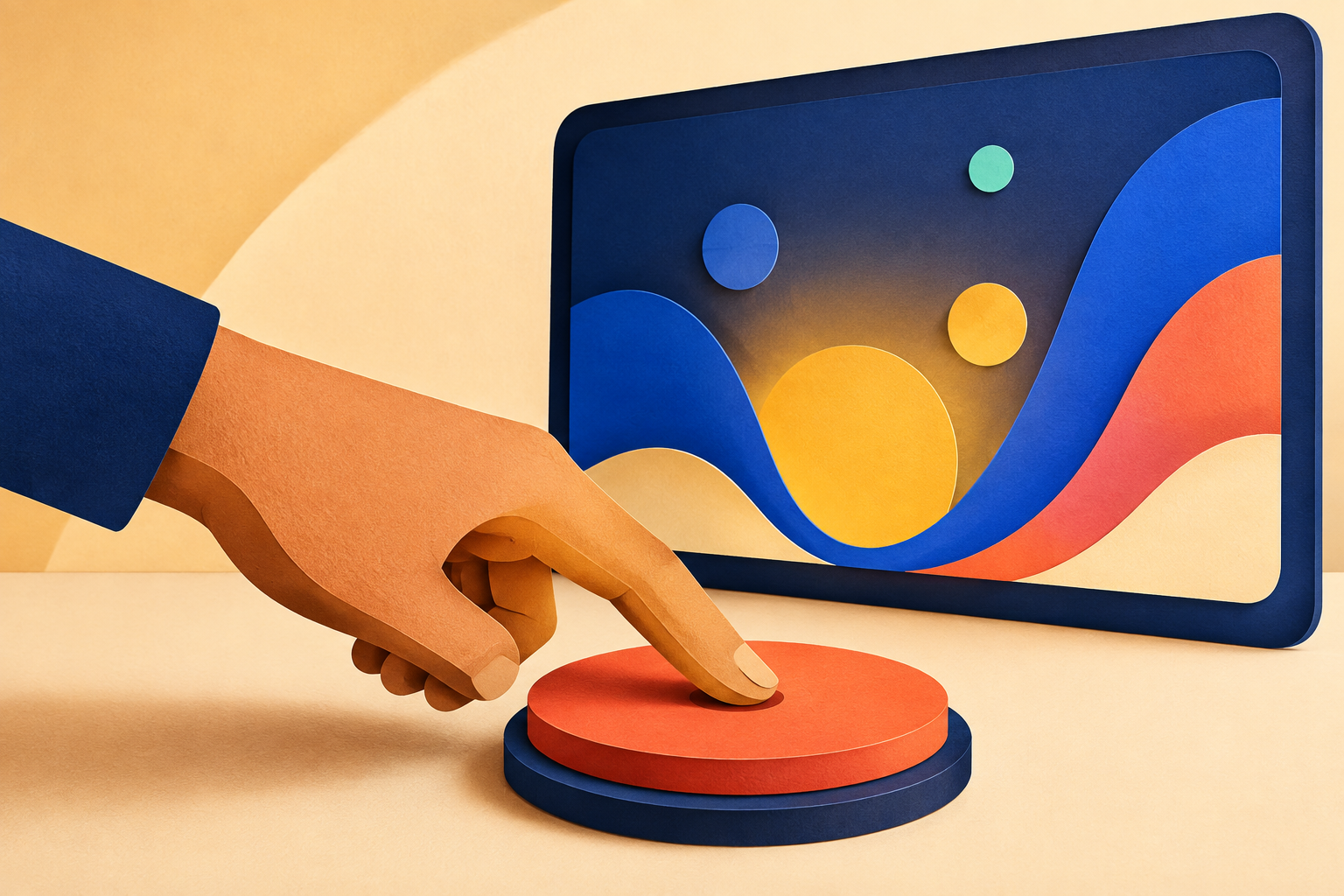
For someone who cannot navigate streaming apps or a conventional remote, a familiar button can turn waiting for help into making their own choice.
No reading required. No menu to remember.
Accessible by design. Useful every day.
Telvidian gives someone one to four large, easy-to-recognize buttons for starting the videos and shows they love—without navigating menus, profiles, or a conventional remote.
Try a button. Everything around the buttons stays inactive.
One simple idea, two everyday wins
For someone who cannot navigate streaming apps or a conventional remote, a familiar button can turn waiting for help into making their own choice.
No reading required. No menu to remember.
Parents and caregivers can save the repeated hunt through apps, profiles, and watch lists. Set it up once, then let one press do the familiar work.
Useful accessibility is often useful for everyone.
Working prototype
Telvidian Digital
A caregiver chooses one to four shows. Telvidian turns them into large, colorful buttons with familiar artwork, then protects the rest of the screen from accidental touches.
Inactive space stays inactive.
Holding, brushing, or resting a hand here does not close the app or start something else.
In development
Telvidian Physical
Digital buttons lower the cost and make Telvidian easier to try. Physical controls remain important for people who need a distinct target, real travel, and crisp tactile feedback.
The current work is focused on durable, accessible controls that keep the proven one-button-to-one-show experience without promising unfinished models or prices too early.
Ask about the physical-button pilotHow it works
Add the exact video or show and give it a clear name.
Choose the artwork, color, shape, and output that make sense for that person.
Telvidian opens the saved content while caregiver controls stay out of the way.
Streaming apps can still display profiles, confirmations, or advertisements. Telvidian includes caregiver recovery tools, but service behavior can change and is tested individually.
Why Telvidian exists
Telvidian started as a simpler way for my children to start their favorite shows. Then I saw what it meant for my disabled daughter to make that choice independently.
We still use it every day—not only because it gives her more control, but because one press is genuinely easier for the whole family. Telvidian is being built for families like ours, where accessibility and everyday convenience belong in the same product.
— Derek, founder of Telvidian
A simpler way to choose
Tell me what they watch, what device you use, and what makes the current routine difficult.
Talk about your setup